Table of Contents
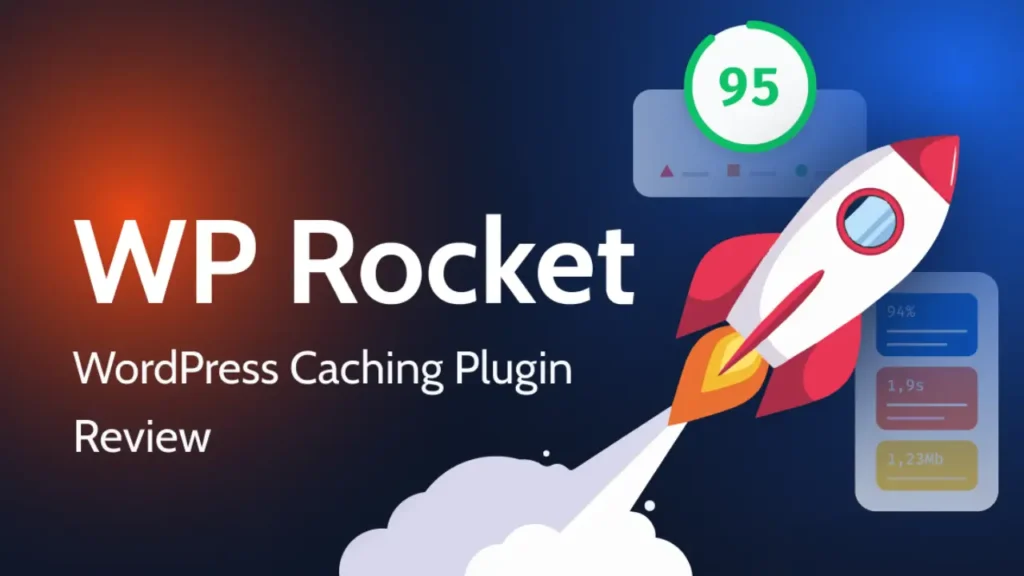
Want to speed up your WordPress website and improve Google rankings in 2026? WP Rocket Pro is one of the best premium caching plugins that helps boost website performance, Core Web Vitals, and user experience without complex setup.
In this guide, you’ll learn how to install WP Rocket Pro 3.21.1 step-by-step, configure the best settings, and optimize your website for maximum speed.
How to Install WP Rocket Pro (Step-by-Step)
- Download WP Rocket Plugin
Go to your WP Rocket account - Download the WP Rocket Pro ZIP file
- Upload & Install Plugin
- Go to WordPress Dashboard → Plugins → Add New
- Click Upload Plugin
- Upload the ZIP file
- Click Install Now → Activate
- Enable Cache (Auto Setup)
- Once activated, WP Rocket automatically enables caching
- No manual setup required for basic optimization
- Configure Basic Settings
- Go to Settings → WP Rocket
- Cache Tab
- Enable caching for mobile users
- Enable cache for logged-in users (optional)
- File Optimization
- Minify CSS & JavaScript
- Combine files (optional)
- Load JavaScript deferred
- Media Optimization
- Enable Lazy Load for images & iframes
- Disable emojis
- Disable WordPress embeds
- Preload & Database Optimization
- Preload
- Enable sitemap-based cache preloading
- Database
- Clean revisions, drafts, spam comments
- Optimize database automatically
- CDN & Advanced Options (Optional)
- Connect Cloudflare or any CDN
- Enable GZIP compression
- Use DNS prefetch
WP Rocket Pro Key Features (2026)
- Page caching (instant speed boost)
- Cache preloading
- GZIP compression
- Lazy loading images & videos
- CSS & JS minification
- Database optimization
- CDN integration
- Heartbeat control
- Delay JavaScript execution
- Remove unused CSS
WP Rocket Pricing (2026)
- Single License – $59/year (1 site)
- Plus – $119/year (3 sites)
- Infinite – $299/year (unlimited sites)
WP Rocket Review (2026)
- ✅ Pros
- Very easy to use (beginner friendly)
- Instant speed improvement
- No complex configuration
- Improves Core Web Vitals
- Works with most themes & plugins
- ❌ Cons
- No free version
- Paid plugin only
- Some features may conflict with other optimization plugins
How I Boosted My PageSpeed Score in a Few Clicks
Frequently Asked Questions (FAQ)
Is WP Rocket worth it in 2026?
Yes, it’s one of the easiest and most powerful performance plugins available.
Does WP Rocket improve SEO?
Yes, faster websites rank better on Google and improve user experience.
Can beginners use WP Rocket?
Yes, it works out-of-the-box without complex setup.
Does WP Rocket work with Elementor?
Yes, it works perfectly with Elementor and other page builders.