
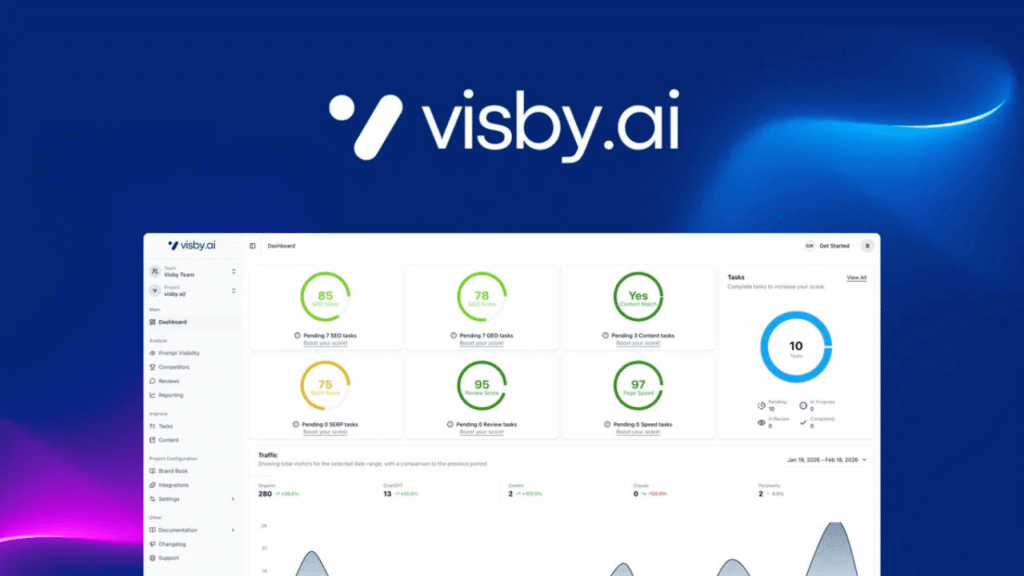
Visby AI is a modern AI visibility tool that helps you track how your brand appears in platforms like ChatGPT, Claude, and Gemini. It analyzes AI-generated answers and gives actionable tasks (GEO – Generative Engine Optimization) to improve your visibility.
Unlike traditional SEO tools, Visby focuses on AI search results instead of Google rankings, making it very useful in 2026.
Visby Key Features (2026 Review)
- Track mentions across AI platforms
- Competitor benchmarking
- AI content suggestions
- GEO task automation
- Integration with Google Analytics & Search Console
👉 Best for:
- Bloggers
- SEO experts
- Digital marketers
- Agencies
System Requirements
- Stable internet connection
- Google account (for integrations)
- Website or brand to track
Step-by-Step: How to Install Visby
- Step 1: Sign Up for Visby
- Go to the official Visby website
- Click Get Started / Sign Up
- Create your account using email or Google
- Step 2: Activate Your License
- Purchase a plan (Starter / Growth)
- Enter your license key
- Confirm activation
- Step 3: Create Your First Project
- Click Create Project
- Enter:
- Website URL
- Brand name
- Target keywords/prompts
- Save & continue
- Step 4: Connect Integrations
Connect:
- Google Analytics
- Google Search Console
- Step 5: Add AI Prompts
- Enter prompts like:
- “Best WordPress themes”
- “Top SEO tools 2026”
- Visby will track if your brand appears in AI answers
- Step 6: Run Initial Scan
- Click Start Analysis
- Wait for data processing
Visby will:
- Scan AI platforms
- Detect brand mentions
- Generate insights
- Step 7: Review Dashboard
- Visibility score
- Competitor comparison
- Suggested GEO tasks
- Step 8: Implement GEO Tasks
- Create specific blog content
- Improve existing pages
- Optimize for AI prompts
Pros & Cons
- ✅ Pros
- New AI-focused SEO approach
- Actionable recommendations
- Easy onboarding
- Great for future SEO trends
- ❌ Cons
- Still new tool (launched ~2025)
- Limited historical data
- Requires learning GEO strategy
Pricing (2026)
- Starter: ~$69 (lifetime deals available)
- Higher tiers for agencies


