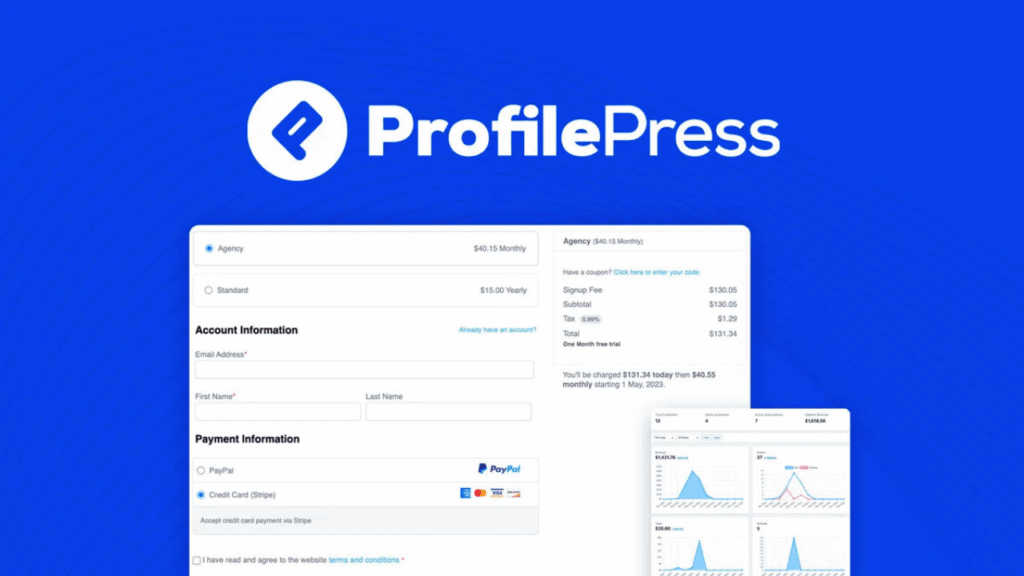
What is ProfilePress?
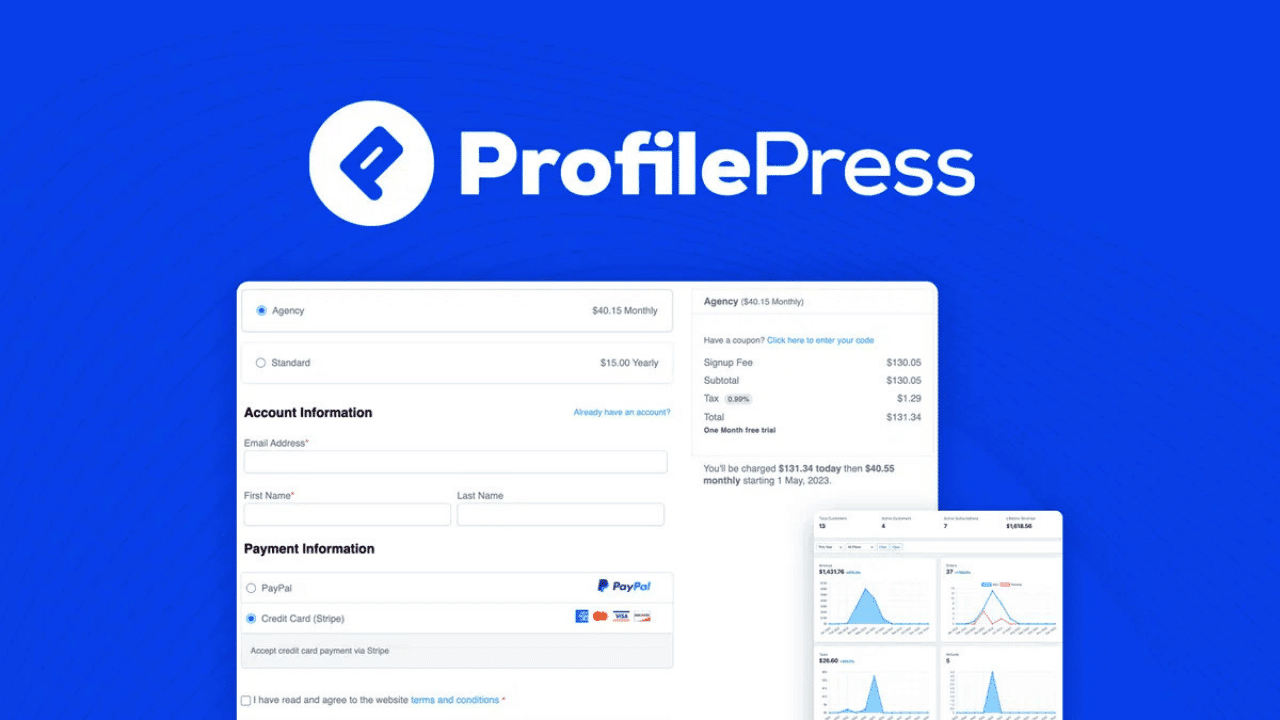
ProfilePress is a powerful WordPress plugin that allows you to build membership websites, subscription systems, and paid content platforms without coding.
Unlike many plugins that require multiple tools, ProfilePress combines:
- Membership management
- Payment system
- User profiles & login system
👉 all in one plugin
It supports payments via Stripe, PayPal, and other gateways, allowing you to sell subscriptions, digital products, and courses directly from your website
How to Install ProfilePress (Step-by-Step Guide) 2026
- Step 1: Install Free Version
- Login to WordPress Dashboard
- Go to Plugins → Add New
- Search “ProfilePress”
- Click Install Now → Activate
- Step 2: Upload Pro Version
- Go to Plugins → Add New → Upload Plugin
- Upload ProfilePress Pro ZIP file
- Click Install → Activate
- Step 3: Activate License
- Go to ProfilePress → Settings
- Enter license key
- Activate
- Step 4: Setup Payment Gateway
- Go to Settings → Payments
- Select:
- Stripe
- PayPal
- Add API keys
- ProfilePress supports multiple global payment systems
- Step 5: Create Membership Plan
- Go to Membership Plans → Add New
- Set:
- Price
- Billing (one-time / recurring)
- Publish
- Step 6: Restrict Content
- Edit any post/page
- Enable Content Restriction
- Select membership plan
- Step 7: Create Login & Registration Forms
- Go to Forms & Profiles
- Create custom forms
- Add shortcode to page
- Step 8: Test Everything
- Test user registration
- Test payment
- Test restricted content
Key Features (Deep Breakdown)
- Payment & Monetization
- One-time & recurring subscription
- Digital product selling
- Coupons & discounts
- Content Protection
- Page / post restriction
- Paywall system
- Member-only content
- User System
- Custom login / register form
- User dashboard
- Member directory
- Business Tools
- Analytics & reporting
- Email marketing integration
- LMS integration (LearnDash, Tutor LMS)
ProfilePress Pricing (2026)
- Official Plans
- Standard → $129/year
- Plus → $299/year
- Agency → $599/year
- Pricing Insight
Compared to competitors:
- cheaper than MemberPress
- more features than free plugins
- best value for:
- membership site
- digital product selling
Pros and Cons (Real Review)
- ✅ Pros
- All-in-one solution (no extra plugin needed)
- Easy setup (beginner friendly)
- Powerful payment system
- Flexible membership plans
- ❌ Cons
- Can be resource-heavy on low-end hosting
- Advanced features require time to learn
Who Should Use ProfilePress?
- Membership websites
- Subscription-based platforms
- Digital product sellers
- Online course creators
ProfilePress vs Alternatives
| Features |
ProfilePress Best Value |
MemberPress | Paid Memberships Pro | Ultimate Member |
|---|---|---|---|---|
| Primary Use | All-in-One Membership | Premium Membership | Flexible Membership | User Profiles |
| Pricing | $129/year | $179+/year | Free + Paid | Freemium |
| Content Restriction | Yes | Yes | Yes | Limited |
| Payment Integration | Stripe, PayPal | Advanced | Add-ons | No |
| Digital Product Selling | Yes | Yes | Yes | No |
| Ease of Use | Easy | Easy | Medium | Very Easy |
| Best For | All-in-one business site | High-end membership | Budget projects | Community sites |
| Action | Get Started | Visit | Explore | Try |