Table of Contents
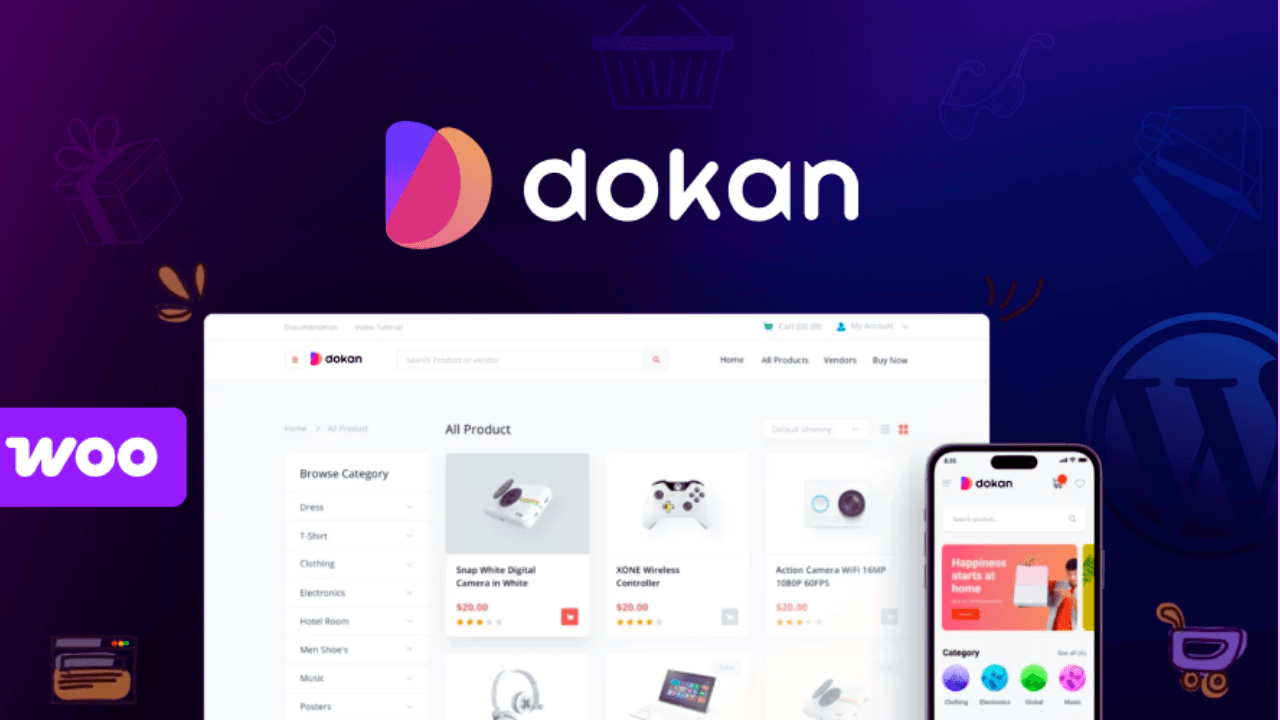
Want to create your own multi-vendor marketplace like Amazon or Daraz in 2026? Dokan Pro is one of the best WordPress plugins that lets you build a complete multi-vendor eCommerce website using WooCommerce.
In this guide, you’ll learn how to install Dokan Pro 4.3.3 step-by-step, configure it properly, and launch your own marketplace website.
How to Install Dokan Pro (Step-by-Step)
- Install WooCommerce (Required)
- Go to WordPress Dashboard → Plugins → Add New
- Search for WooCommerce
- Click Install → Activate
- Dokan depends on WooCommerce to work.
- Install Dokan Lite (Free Version)
- Go to Plugins → Add New
- Search for Dokan Multivendor Marketplace
- Click Install → Activate
- Upload Dokan Pro
- Go to Plugins → Add New → Upload Plugin
- Upload Dokan Pro ZIP file (v4.3.3)
- Click Install Now → Activate
- Connect License
- Go to Dokan → Settings → License
- Enter your license key
- Activate the license
- Run Setup Wizard
- Go to Dokan → Setup Wizard
- Configure:
- Store settings
- Payment methods
- Commission rates
- Shipping options
- Configure Marketplace Settings
- General Settings
- Vendor registration (enable/disable)
- Store URL structure
- Selling Options
- Commission type (percentage/fixed)
- Minimum order amount
- Payment Settings
- PayPal / Stripe / Bank transfer
Dokan Pro Key Features (2026)
- Multi-vendor marketplace system
- Frontend vendor dashboard
- Vendor product management
- Commission system (admin earnings)
- Withdrawal system for vendors
- Vendor store customization
- Multiple payment gateways
- Shipping management per vendor
- Coupon & discount system
- Order management system
Dokan Pricing (2026)
- Starter – $149/year
- Professional – $249/year
- Business – $499/year
- Enterprise – $999/year
Dokan Pro Review (2026)
- ✅ Pros
- Easy marketplace setup
- Powerful vendor management
- Works with WooCommerce
- Beginner-friendly dashboard
- Scalable for large marketplaces
- ❌ Cons
- Requires good hosting
- Paid plugin
- Some features need add-ons
How To Create Multi Vendor eCommerce Website in WordPress Using Free Dokan Plugin Tutorial
Frequently Asked Questions (FAQ)
Is Dokan Pro worth it?
Yes, it’s ideal for creating a professional multi-vendor marketplace.
Can I create a marketplace with Dokan?
Yes, Dokan allows multiple vendors to sell products on your site.
Does Dokan support WooCommerce?
Yes, Dokan is built on WooCommerce.
Is Dokan beginner-friendly?
Yes, it includes a setup wizard and easy dashboard.