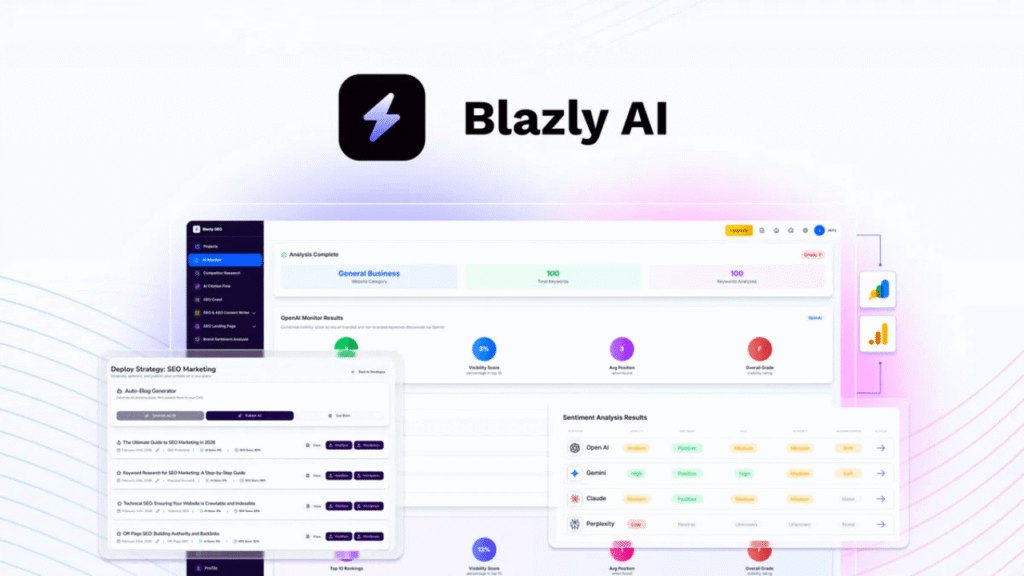
SEO in 2026 is no longer just about ranking on Google. You also need to optimize for AI search engines like ChatGPT, Gemini, and Claude.
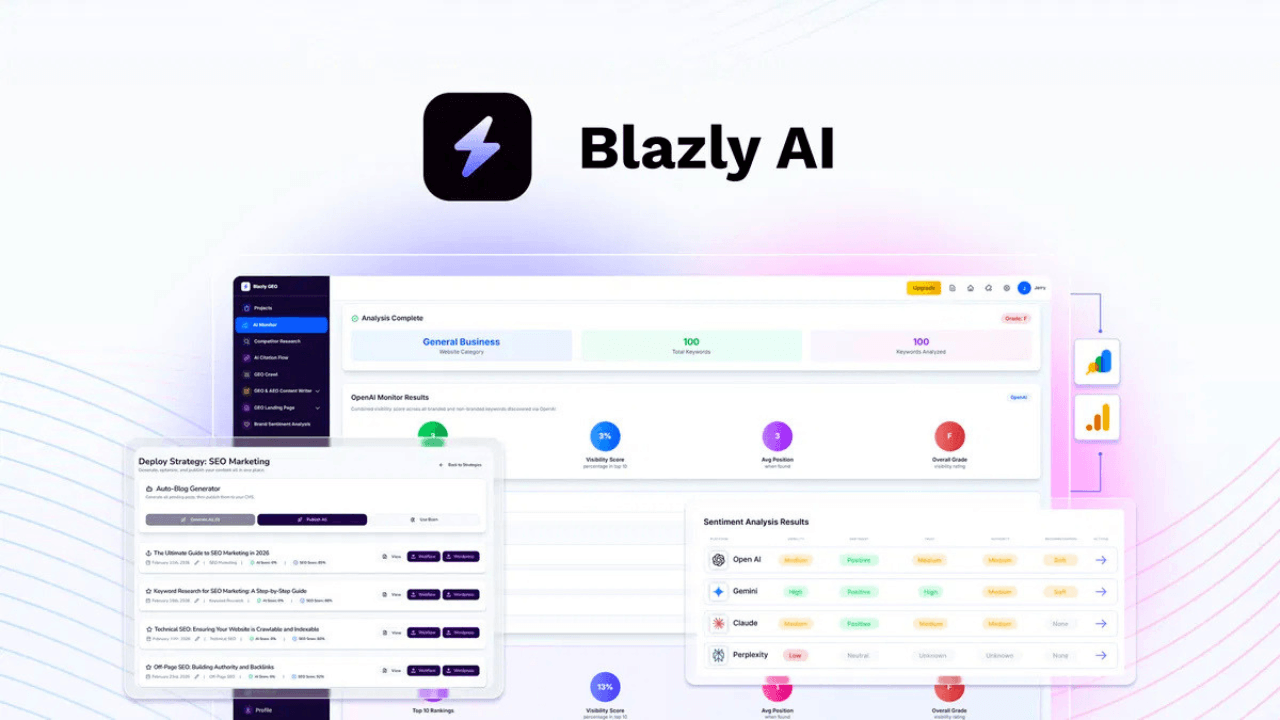
Blazly is a next-generation AI SEO platform designed to help you rank on Google and get cited by AI tools. It combines content generation, keyword strategy, and AI visibility optimization into one system.
How to Install Blazly (Step-by-Step)
- Step 1: Create Blazly Account
- Visit the official Blazly page
- Sign up or activate your AppSumo license
- Access your dashboard
- Step 2: Add Your Website
- Go to Projects → Add New Project
- Enter your website URL
- Connect:
- WordPress (optional)
- Google Search Console
- Step 3: Enter Main Keyword (Core Step)
- “WordPress plugins”
- “SEO tools”
👉 Blazly will generate:
- Topic clusters
- Content ideas
- SEO strategy
- Step 4: Generate SEO + GEO Content
- Click Create Content
- Enter keyword or competitor URL
Blazly will generate:
- Full blog post
- Meta title & description
- Structured headings
- Comparison sections
- Step 5: Humanize Content (Important)
- Use the Humanize feature
- Adjust tone and style
- Step 6: Optimize for AI Search (GEO)
- Run GEO optimization
- Improve:
- Structure
- Internal linking
- Readability
- Step 7: Publish & Track Performance
- Publish directly to WordPress
- Track:
- Google rankings
- AI mentions
Key Features of Blazly (2026)
- AI-powered content generation
- Full SEO strategy builder
- GEO (AI search optimization)
- Topic clustering & keyword research
- Direct CMS publishing
- Competitor analysis
- AI citation tracking
- Content humanization tools